
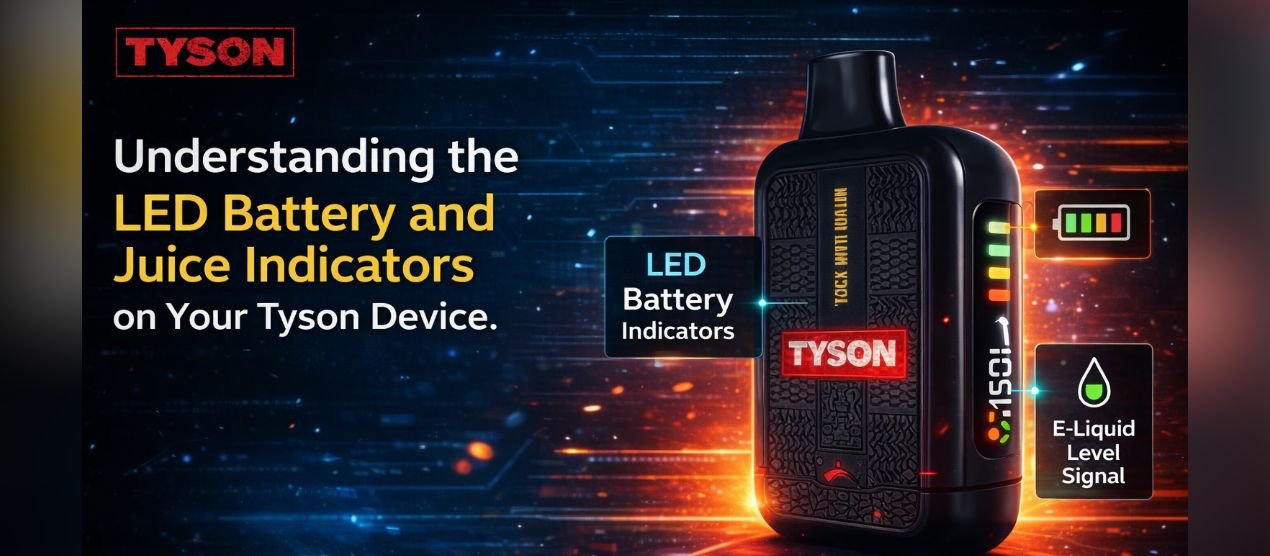

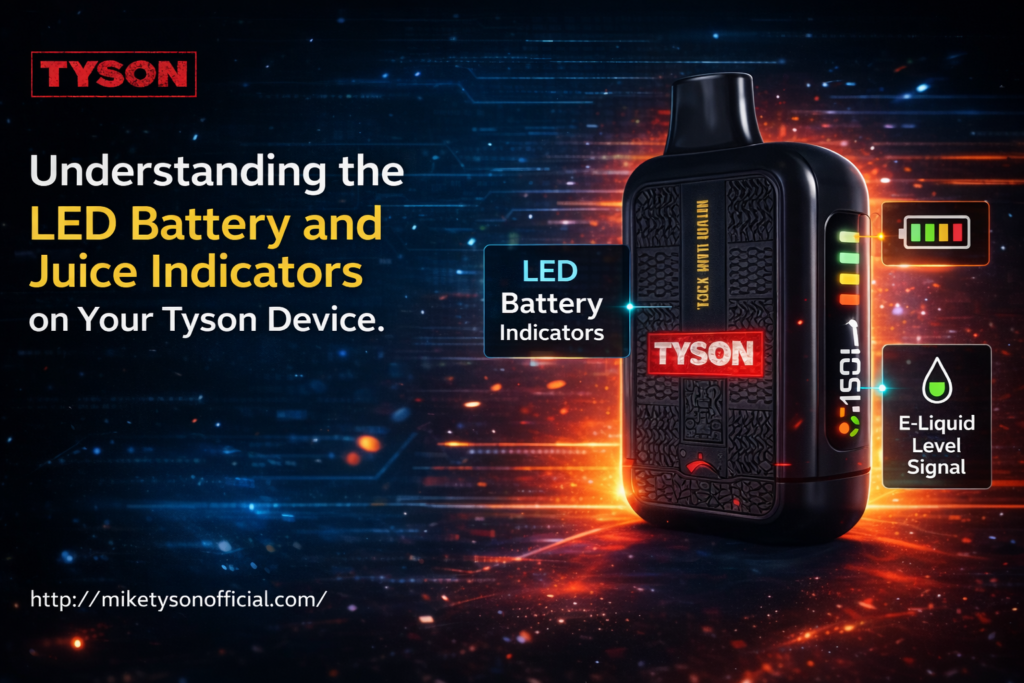
Have you ever picked up your Tyson device and stared at the flashing or solid lights wondering what they actually mean for your vaping session? I have been there more times than I can count. Those small LED indicators can feel confusing at first, especially when you are in the middle of a busy day and just want to know if your vape is about to die or if you are running low on e-liquid. Understanding these lights makes a huge difference in keeping your device running smoothly without unexpected interruptions. In this post I want to walk you through exactly what the LED battery and juice indicators are telling you on popular Tyson models.
The first thing I noticed when I started using these devices regularly is how the lights serve as your quick status check. Instead of guessing whether you have enough power or liquid left, the LEDs give you clear signals in real time. I remember the frustration of a device shutting off mid-hit because I missed the warning signs. Once I learned to read them properly that problem disappeared completely. Today I will share the patterns I have observed across different Tyson models so you can avoid the same headaches.
One device that many people turn to is the mike tyson vape. It brought a lot of attention to the Tyson line because of its reliable performance and straightforward design. The LED system on these vapes follows a consistent logic that becomes second nature after a few days of use. Getting comfortable with the indicators early saves you from running out of battery or juice at the worst possible moment.
Problem: The Confusion Around LED Lights on Tyson Vapes
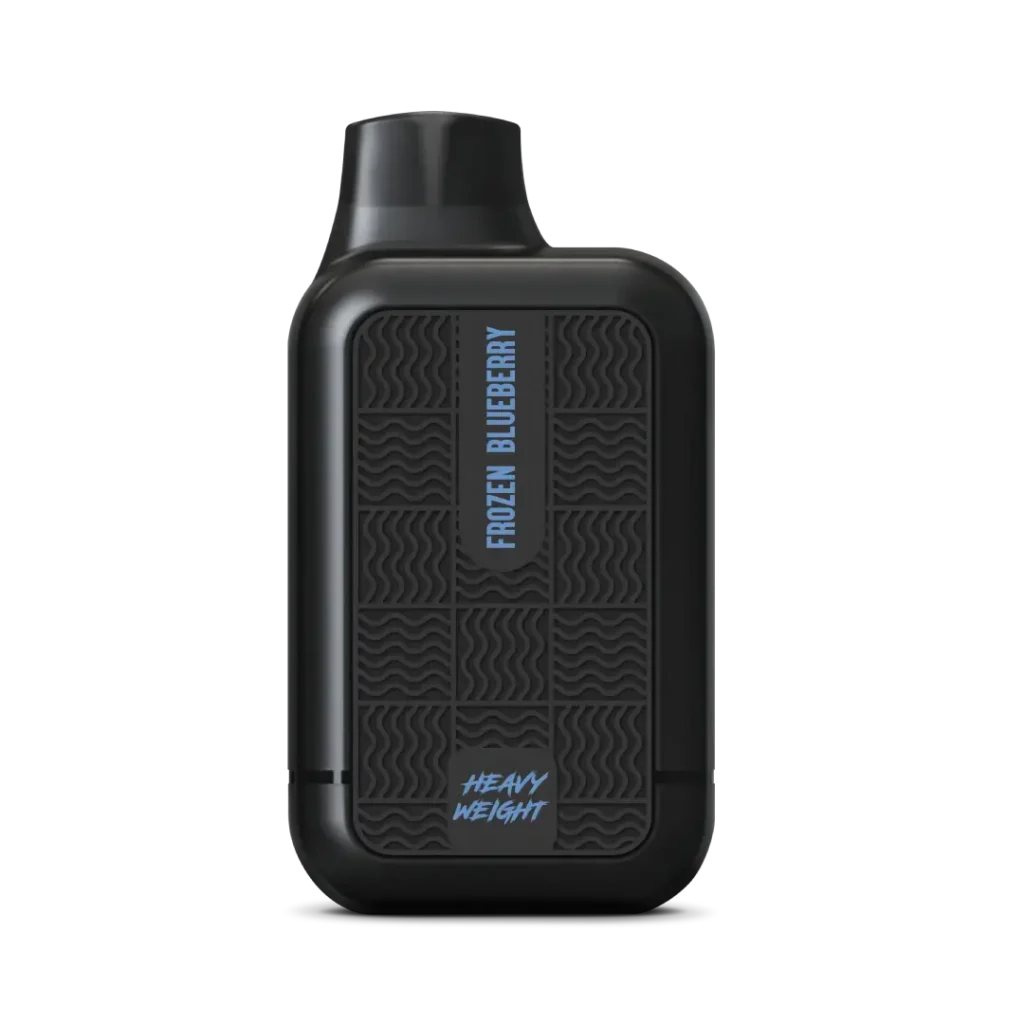
Most people pick up a Tyson device excited to try the flavor and the puff count but then get stuck when the lights start behaving in ways they do not expect. I have talked to plenty of vapers who told me they thought the device was broken just because the light flashed a certain way. The main issues I see over and over include:
- Not knowing whether a flashing light means low battery or low juice
- Missing the difference between solid and blinking patterns
- Unsure if the lights change depending on the specific model
- Forgetting what each color actually represents
- Charging the device unnecessarily because the indicator confused them
These small misunderstandings lead to shorter sessions, wasted e-liquid, or carrying around a charger just in case. I used to overcharge my devices because I could not trust what the light was telling me. It felt like a guessing game until I paid close attention to the patterns across multiple Tyson vapes.
Another common pain point comes when people switch between different puff-count models. What works on one does not always match the next. That inconsistency creates doubt every time you look at the light. I have been in situations where I thought I had plenty of juice left only to find the device tasting burnt ten minutes later because I misread the indicator.
Agitate: Why Misreading These Indicators Hurts Your Vaping Experience
When you cannot trust your device indicators you lose the convenience that drew you to a disposable vape in the first place. Imagine settling in for a relaxing evening vape only to have the device cut out because the battery dipped too low without a clear warning. Or worse, you take a hit and get that harsh burnt taste because the juice ran dry while the light still looked okay to you. Both situations have happened to me and they take all the enjoyment out of the moment.
Low battery surprises are especially annoying when you are away from home. You end up either rationing puffs or hunting for a charging cable that may not even fit properly. On the juice side running dry means the cotton burns and the flavor turns unpleasant fast. I have tossed devices early because I did not realize how close they were to empty. That wastes money and leaves you without a reliable vape when you need it most.
The frustration builds even more when you see friends using the same model without any issues. They seem to know exactly when to recharge or grab a new one while you are still puzzled by the lights. It starts to feel like you are missing something obvious. The truth is that most people just need a clear explanation of the patterns once and then the confusion disappears for good.
For those who enjoy higher puff counts the stakes feel even higher. A device like the tyson 15000 promises extended use but only if you stay on top of the indicators. Missing the signals means cutting that long lifespan short and feeling disappointed in a product that should last much longer.
Solution: How to Read Your Tyson Device LED Indicators Correctly
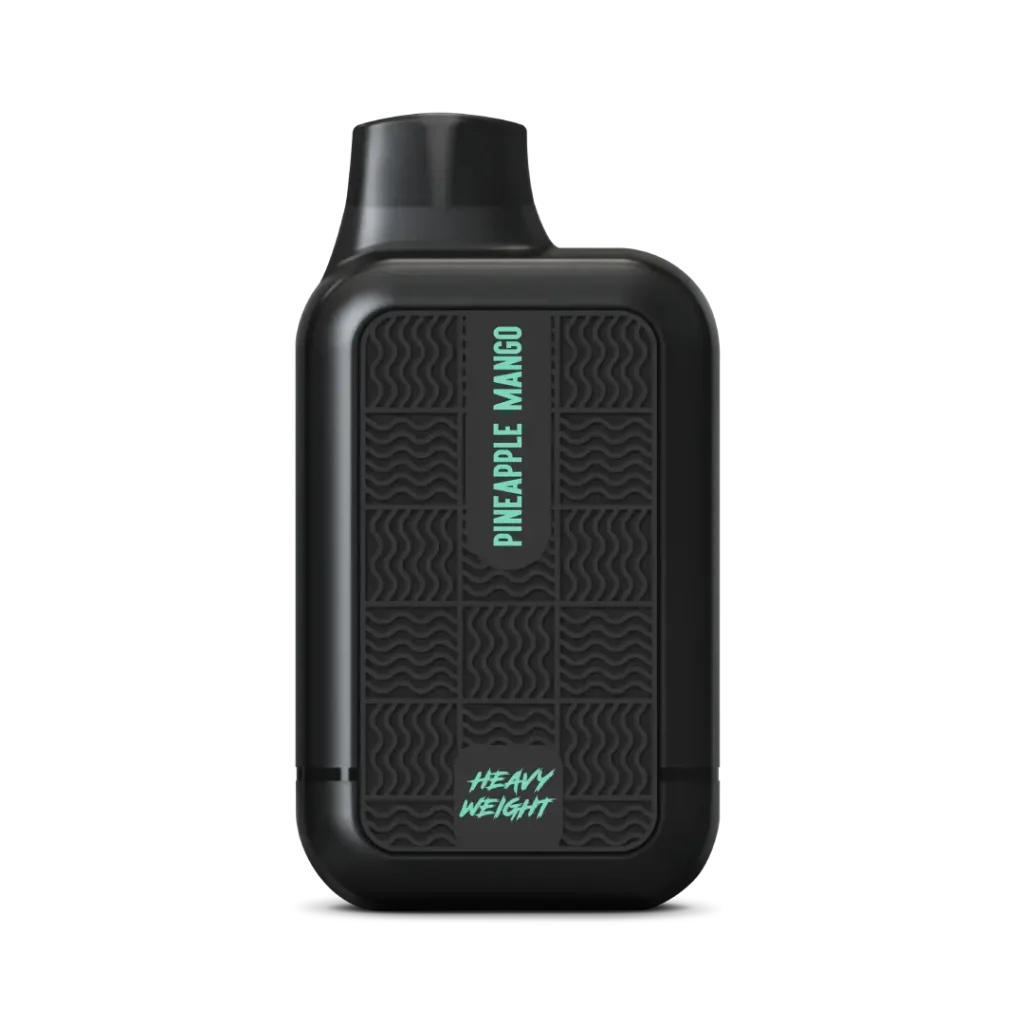
The good news is that Tyson keeps the LED feedback fairly simple once you know the rules. Most models use a single light or a small set of indicators near the bottom or side of the device. They show battery level and juice level through color changes, solid versus blinking states, and sometimes different flashing speeds.
I usually check my Tyson device in two quick ways. First I look at the current state while it sits idle and then I take a short draw to see if the behavior changes. That combination almost always tells me everything I need to know.
Here is what I have learned from daily use across the lineup:
- Battery indicators
- Solid green: Battery level is high (usually above 60-70 percent)
- Solid blue: Battery level is medium (roughly 30-60 percent remaining)
- Solid red: Battery level is low (under 30 percent)
- Flashing red: Battery critically low (under 10 percent or needs immediate charge)
- Rapid flashing red while vaping: Device is cutting off power to protect the battery
- Juice indicators (these often appear during or right after a draw)
- Solid white or light color: Plenty of e-liquid remaining
- Slow flashing white/light color: Juice is getting low (time to plan for a replacement soon)
- Rapid flashing white or changing to red: E-liquid is very low or empty (stop using to avoid burnt hits)
- Charging indicators
- Red light while plugged in: Device is charging
- Green or white light while plugged in: Charge is complete
- No light at all while plugged in: Check the cable, port, or charger
These patterns hold true on most Tyson models I have tried including the higher-capacity versions. The exact colors and flash speeds can vary slightly by batch but the general logic stays the same.
For anyone using the tyson 7500 I find the indicators especially clear because the device balances long life with easy-to-read feedback. The light changes feel predictable after the first few days.
If you have moved up to something like the tyson 2.0 round 2 you will notice the same core system with perhaps a touch more sensitivity on the juice indicator. That makes sense given the design improvements aimed at giving users better control over their experience.
A few practical tips that help me every day:
- Check the light before you leave the house so you know whether to bring a backup or charger
- Take one or two test puffs when the light first turns red to confirm whether it is battery or juice
- Avoid chain vaping when the light starts flashing quickly since that drains both battery and juice faster
- Clean the airflow occasionally because restricted airflow can sometimes trick the juice sensor into giving earlier warnings
Mastering these LED signals turned my vaping routine from stressful to effortless. I no longer second-guess whether I have enough power or liquid. The device tells me clearly and I listen. Once you get in the habit of glancing at the light every few hours the whole experience becomes smoother and more enjoyable.
Next time you pick up your Tyson device take a second to observe the light. Note the color, whether it is solid or blinking, and how it behaves during a draw. After a short time those signals will feel like second nature and you will wonder how you ever vaped without understanding them.
I hope this clears things up for you. If you have noticed different patterns on your specific model feel free to share in the comments. Happy vaping and keep those indicators in check.